

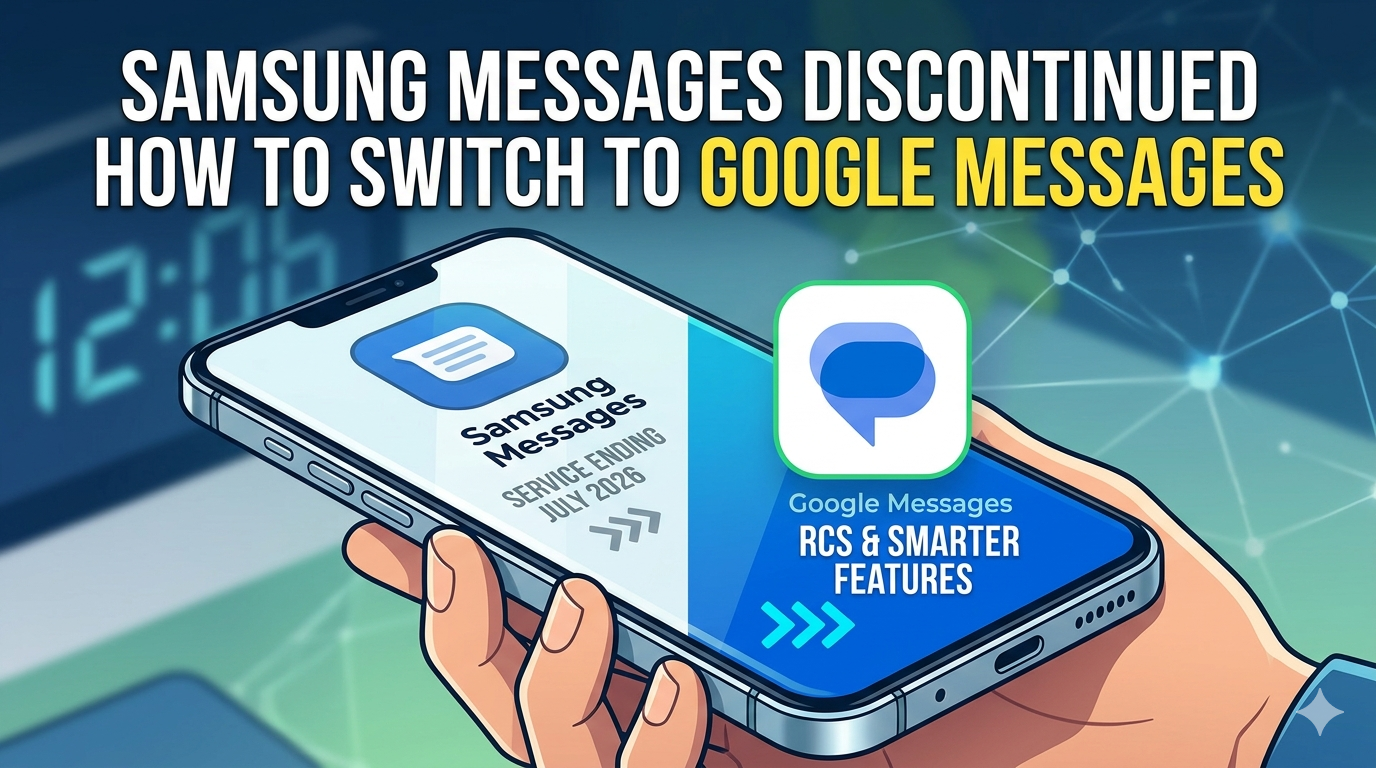
If you’re still using Samsung Messages on your Galaxy phone, your days with the app are numbered. Samsung has officially issued an “End of Service Announcement” confirming that Samsung Messages will be discontinued in July 2026 — and the company wants you on Google Messages before the clock runs out.
This isn’t entirely a surprise. It’s been a long time coming. But now that there’s a firm deadline, it’s time to understand what’s actually changing, what you might lose, and — honestly — what you stand to gain.
The End of an Era: What Samsung Has Confirmed
Samsung published its end-of-service notice on its official U.S. website, and the message is clear: Samsung Messages is going away in July 2026, and Google Messages is the intended replacement.
Once the shutdown date arrives, Samsung Messages will no longer be able to send texts — except to emergency service numbers or emergency contacts you’ve saved on your device. The app will also be removed from the Galaxy Store, meaning no new downloads will be possible after that point.
Galaxy S26 owners are already ahead of the curve — that device launched without Samsung Messages available at all.
Who is NOT affected:
Users running Android 11 or lower are exempt from this end of service. Older devices like the Galaxy S9 or Galaxy Note 9 will keep Samsung Messages functioning as before, likely because those handsets may not be fully compatible with the latest version of Google Messages.
This Has Been Coming for a While
Samsung didn’t wake up one day and decide to pull the plug without warning. The signs have been building for years.
Back in 2024, Samsung quietly stopped pre-installing Samsung Messages on its flagship Galaxy devices. Then in early 2025, the company confirmed it would adopt Google Messages as the default messaging app across its Galaxy lineup. Most phones released after that point — including the Galaxy S25 family — shipped with Google Messages already set as default.
The July 2026 cutoff is simply the final chapter in a transition that’s been unfolding in stages.
What You Actually Gain by Switching
Samsung is framing this as an upgrade — and on paper, it largely is. Here’s what Google Messages brings to the table:
🔒 Better Security
Google Messages includes AI-powered scam detection and robust spam filters that identify and block suspicious texts before they reach you. It’s a meaningful improvement for anyone tired of sifting through junk.
📱 Full RCS Support
RCS (Rich Communication Services) is the modern replacement for SMS/MMS — think of it as iMessage for Android. Google Messages delivers full RCS support across both Android and iOS, regardless of your carrier. Samsung Messages, by contrast, relied on your mobile network for RCS availability, which wasn’t always consistent.
With RCS, you get high-quality photo and video sharing, group chats, typing indicators, read receipts, and link previews — all working seamlessly between Android users and even iPhone users who have RCS enabled.
🤖 Gemini AI Features
Google Messages includes AI-powered features through Google’s Gemini, including smart reply suggestions and an experimental “Remix” feature that lets you generate AI images directly inside a conversation.
💻 Multi-Device Messaging
You can send and receive messages from a web browser or computer, with conversations synced across your phone, tablet, and smartwatch — all tied to your Google account.
🔐 Auto OTP Deletion
A small but handy feature: Google Messages can automatically delete one-time password messages after 24 hours, keeping your inbox clean.
What You Might Miss
It wouldn’t be fair to call this a flawless switch for everyone. Some Samsung Messages users have raised legitimate concerns:
- No recycle bin in Google Messages. If you accidentally delete a message, it’s gone. Samsung Messages sent deleted messages to a recycle bin first, giving you a chance to recover them. Google Messages currently has no equivalent safety net.
- Tizen OS smartwatch limitations. If you’re running an older Galaxy Watch on Tizen OS (any model before Galaxy Watch 4), you’ll no longer be able to see full message conversation history on your watch after the switch. You’ll still be able to read and send texts — but the full thread view goes away.
- Temporary RCS disruption. For Samsung devices released before 2022, switching messaging apps may temporarily interrupt ongoing RCS conversations. Samsung says RCS will resume once both parties have moved to Google Messages. Standard SMS and MMS are unaffected during this period.
How to Switch to Google Messages Right Now
The transition is straightforward. Samsung will also send in-app notifications guiding you through the process between now and July — but if you’d rather do it on your own terms, here’s how:
Step 1: Download Google Messages (if needed)
Open the Google Play Store and search for “Google Messages.” Many Galaxy devices already have it installed — if yours does, skip ahead.
Step 2: Open Google Messages
Once installed, open the app. You’ll see a prompt on the home screen: “Set default SMS app.”
Step 3: Tap “Set as default”
That’s it. Google Messages is now your default texting app and will handle all incoming and outgoing SMS, MMS, and RCS messages.
Step 4: Check your settings
If you want to enable RCS (which unlocks all the enhanced features), open Google Messages → tap your profile icon → go to Messages settings → RCS chats and toggle it on.
Watch Out for Scammers Exploiting This News
One important warning: scammers are already using this transition to trick people.
Some Galaxy users have reported receiving text messages that appear to warn them about the Samsung Messages shutdown — complete with links to click. These are not from Samsung. Samsung does not send standalone text messages with links asking you to switch apps.
If you receive an unsolicited text about the Samsung Messages shutdown with a link attached, do not tap it. Go directly to the Google Play Store to download Google Messages yourself, or follow the in-app notification that Samsung will send through the actual Samsung Messages app.
The Bottom Line
Samsung Messages served its purpose for over a decade — but the messaging landscape has moved on. RCS is now the standard, AI features are table stakes, and Google Messages is simply the better, more future-proof option for Galaxy users.
If you’re on Android 12 or newer, the July 2026 deadline is your signal to make the move now, on your own schedule, rather than scrambling at the last minute. The switch takes about two minutes, and the upgrade is real.
Check your Samsung Messages app for the exact end-of-service date in your region — and get ahead of the change before it happens to you.
1 Comment